Desktop
System tray app for voice-to-text anywhere
Download for your system
AppImagev0.7.2What is Whis Desktop?
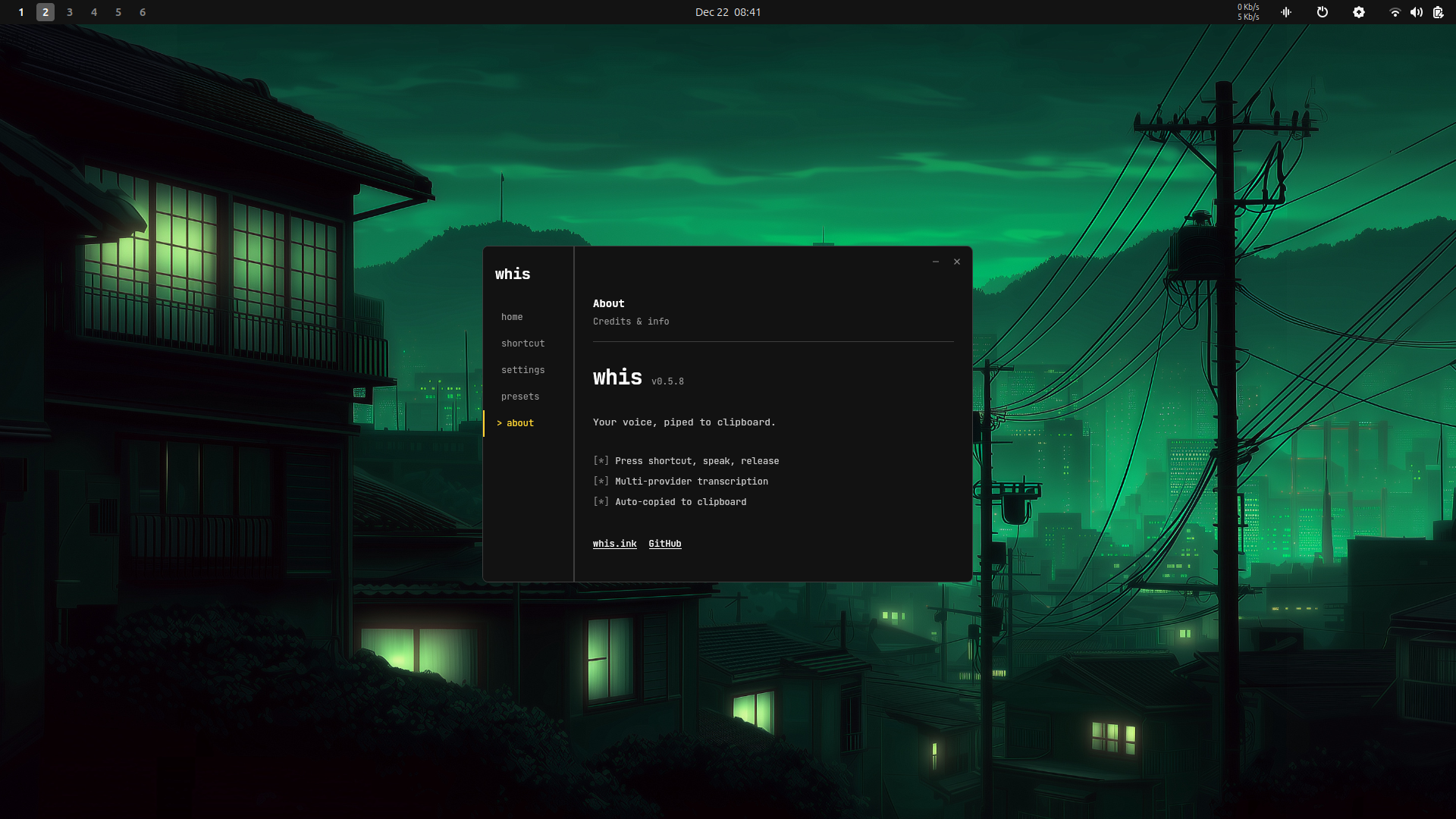
A system tray app that brings voice-to-text to your entire desktop.
- [*]System tray Lives in your panel, always ready
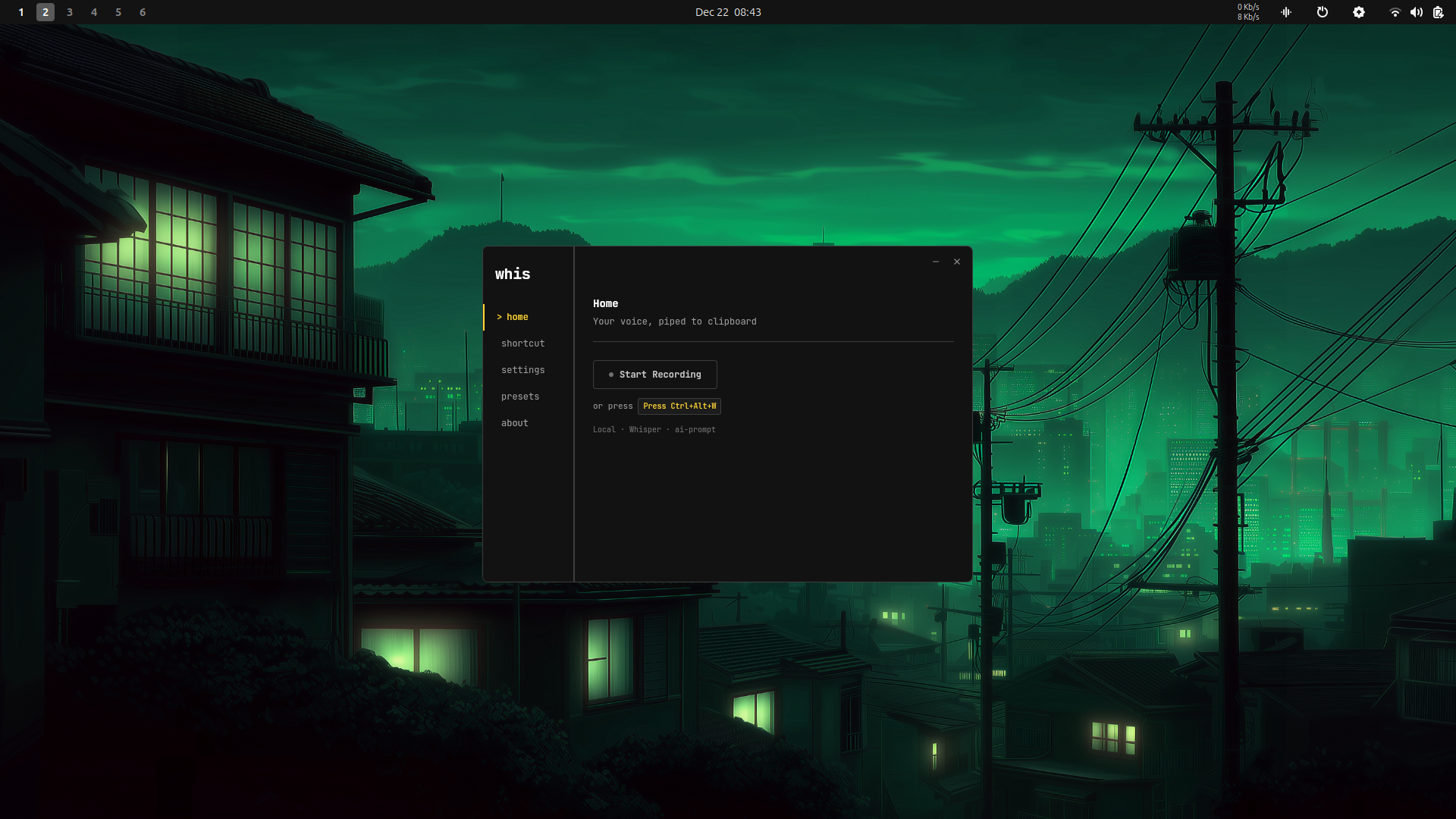
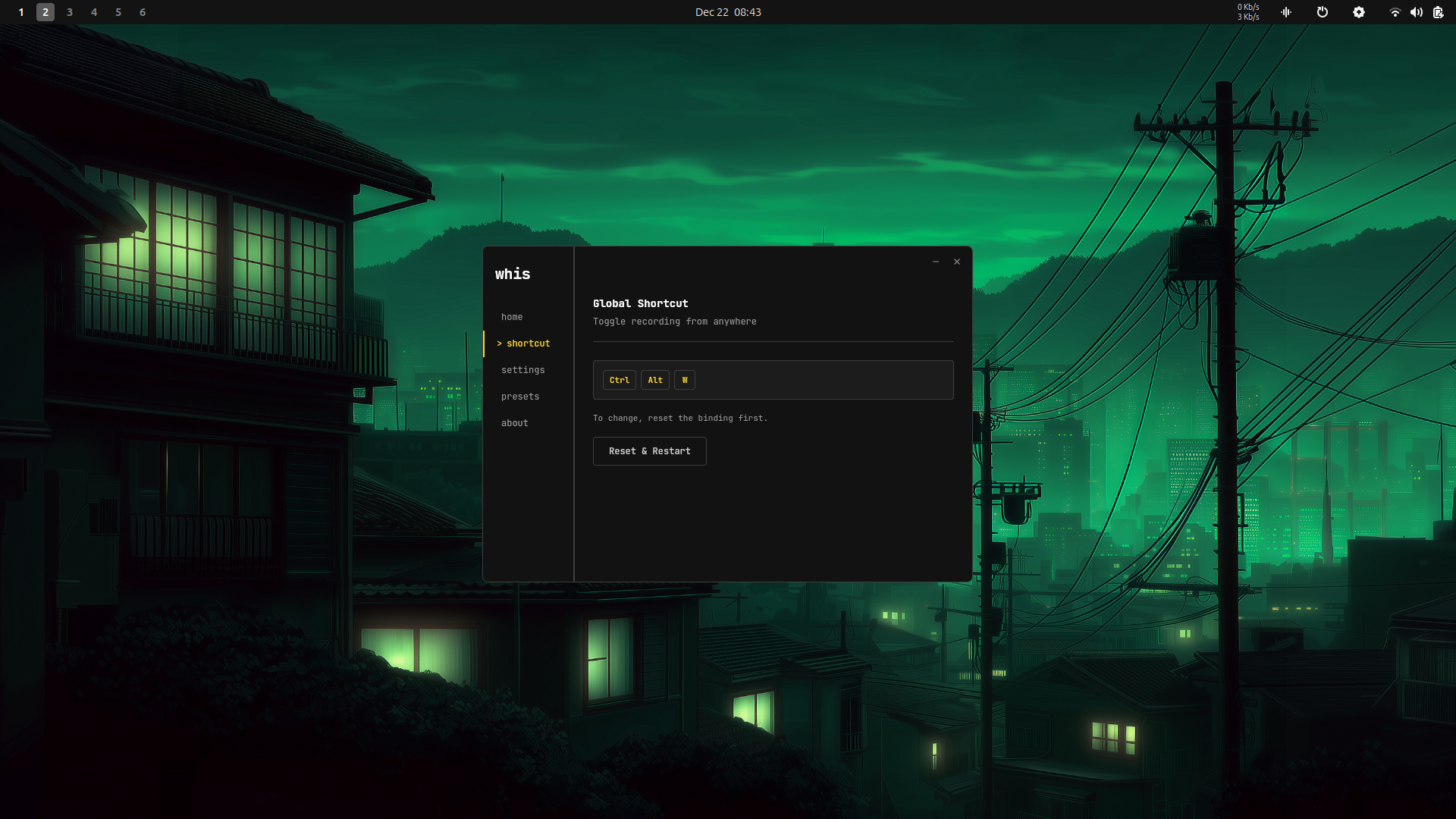
- [*]Global hotkey Ctrl+Alt+W from anywhere (configurable)
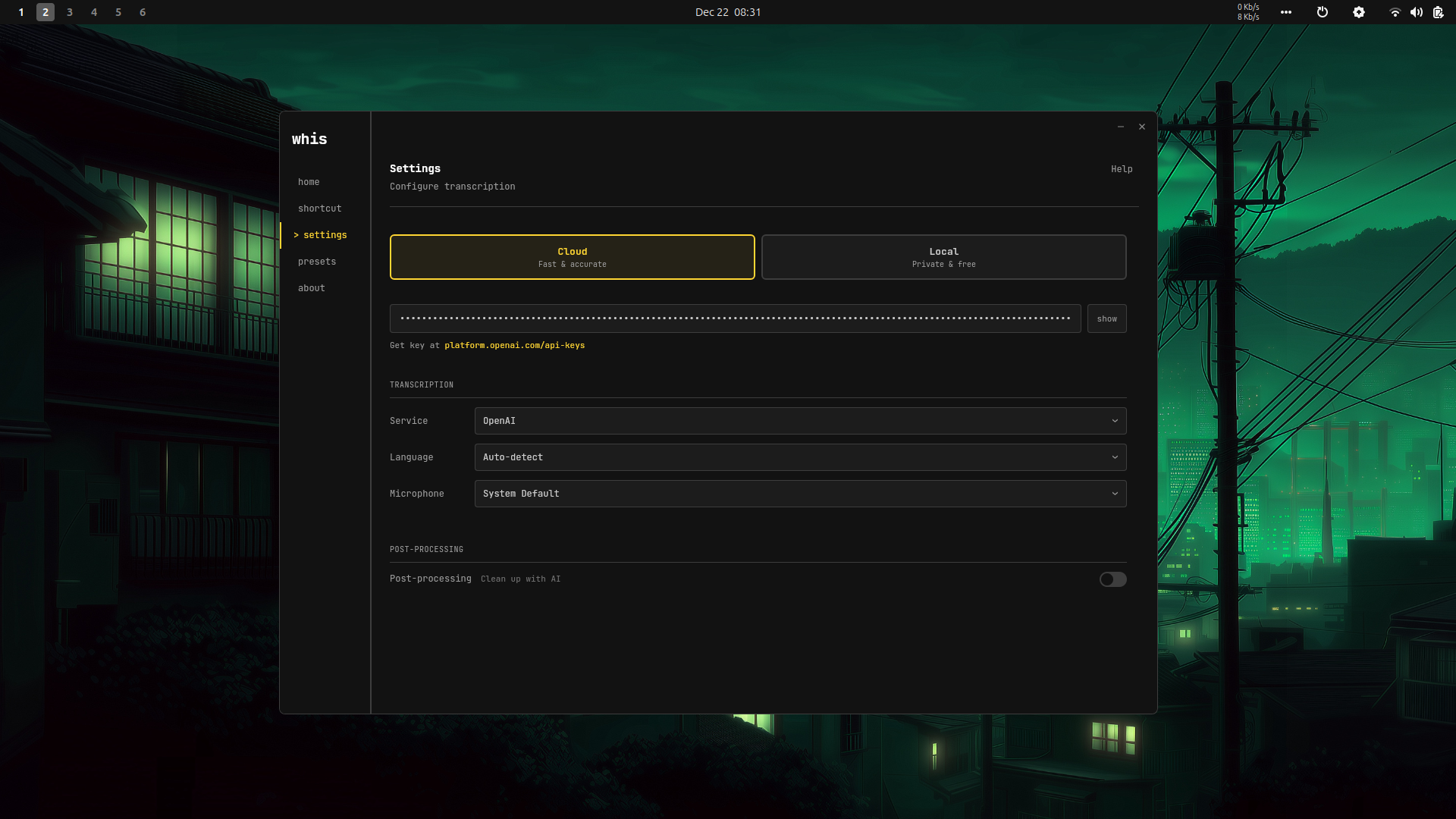
- [*]6 providers OpenAI, Groq, Deepgram, Mistral, ElevenLabs, or local
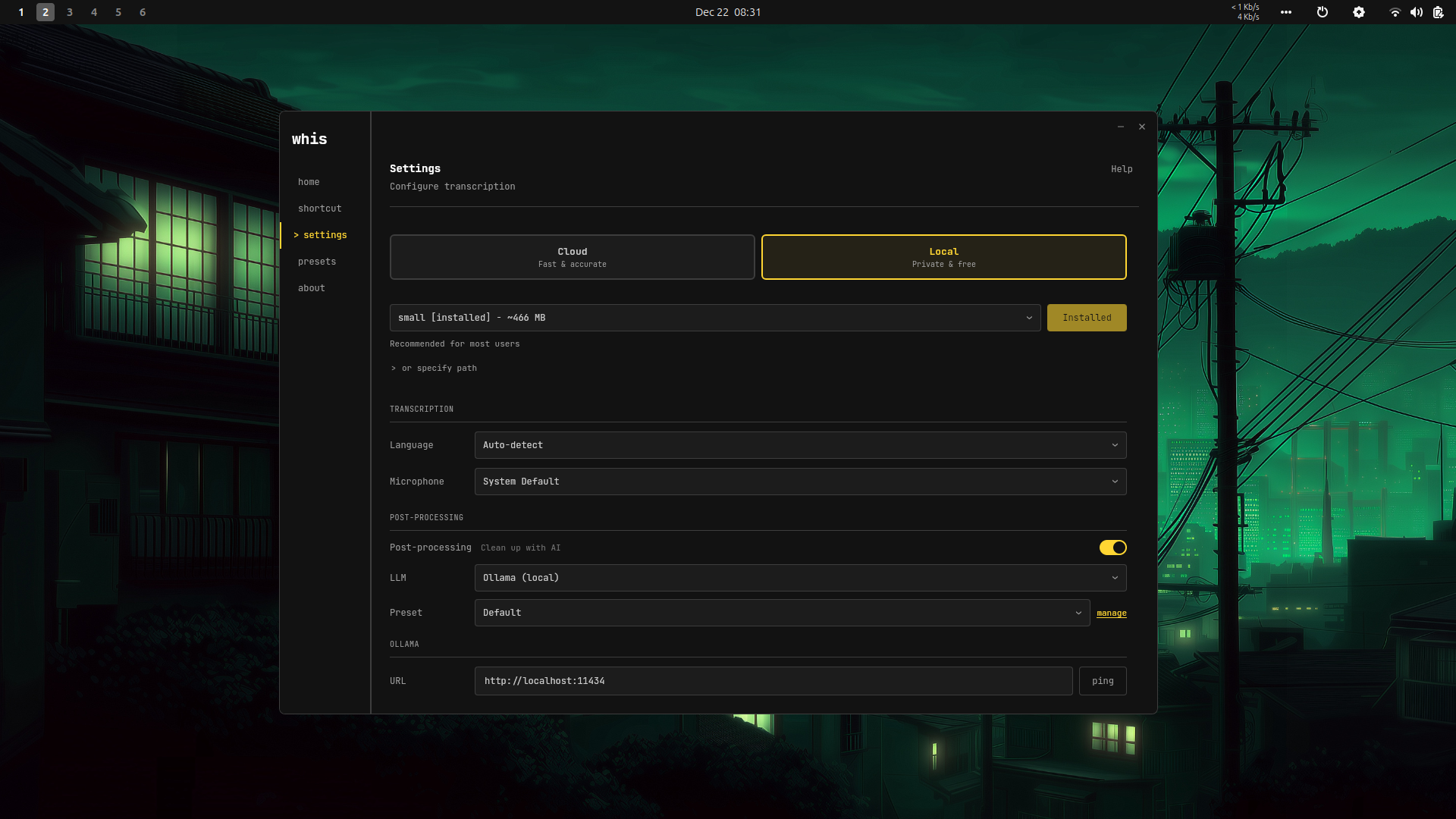
- [*]Run locally Download whisper models in-app — private and free
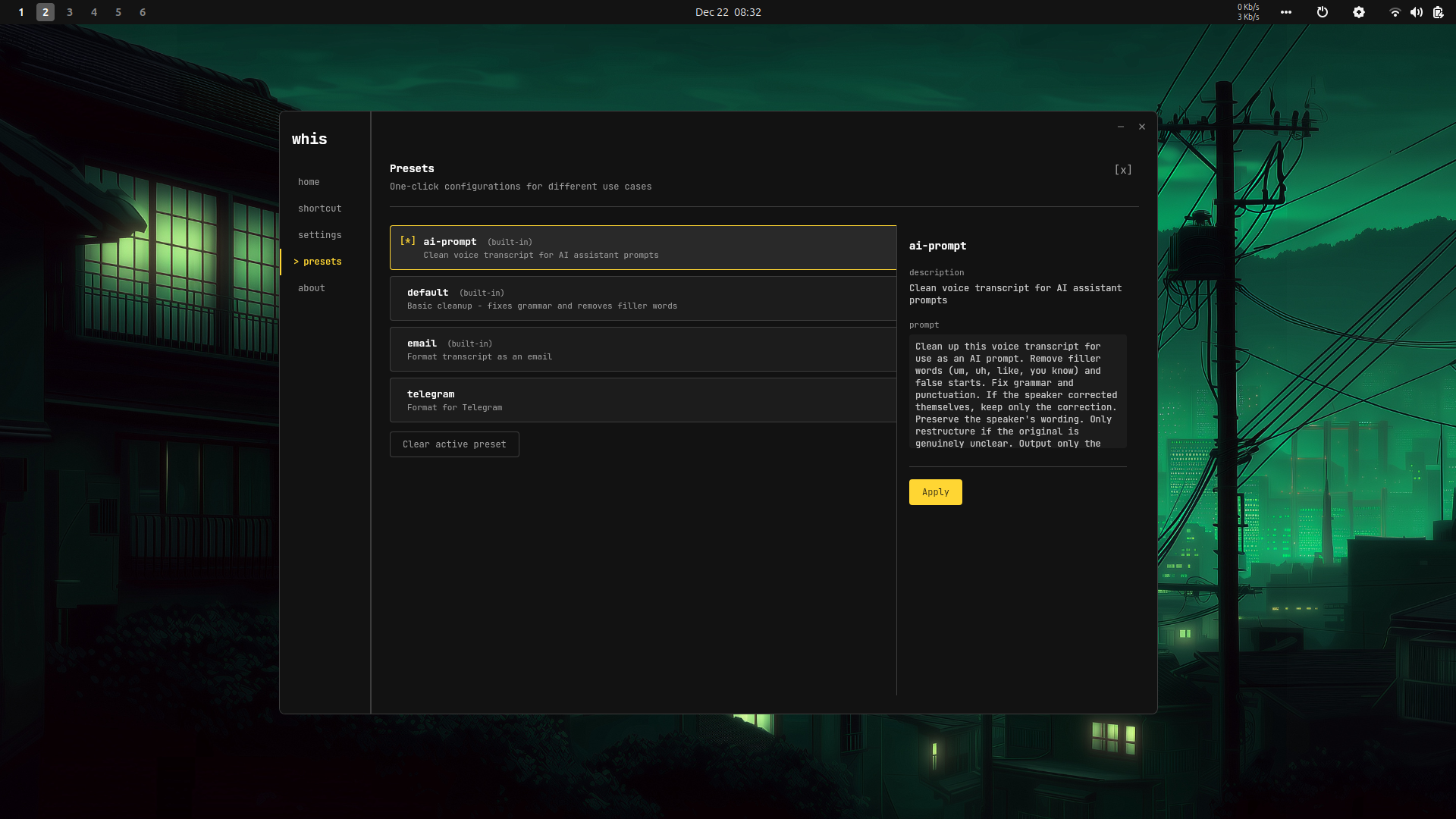
- [*]AI post-processing Clean up transcripts with presets
- [*]Cross-platform Linux, macOS, Windows (experimental)
Quick Start
# 1. Download and install using the button above

# 2. Launch "Whis" from your app menu

# 3. Tray icon → Settings → Configure provider

# 4. Use Ctrl+Alt+W or tray menu to record!