CLI
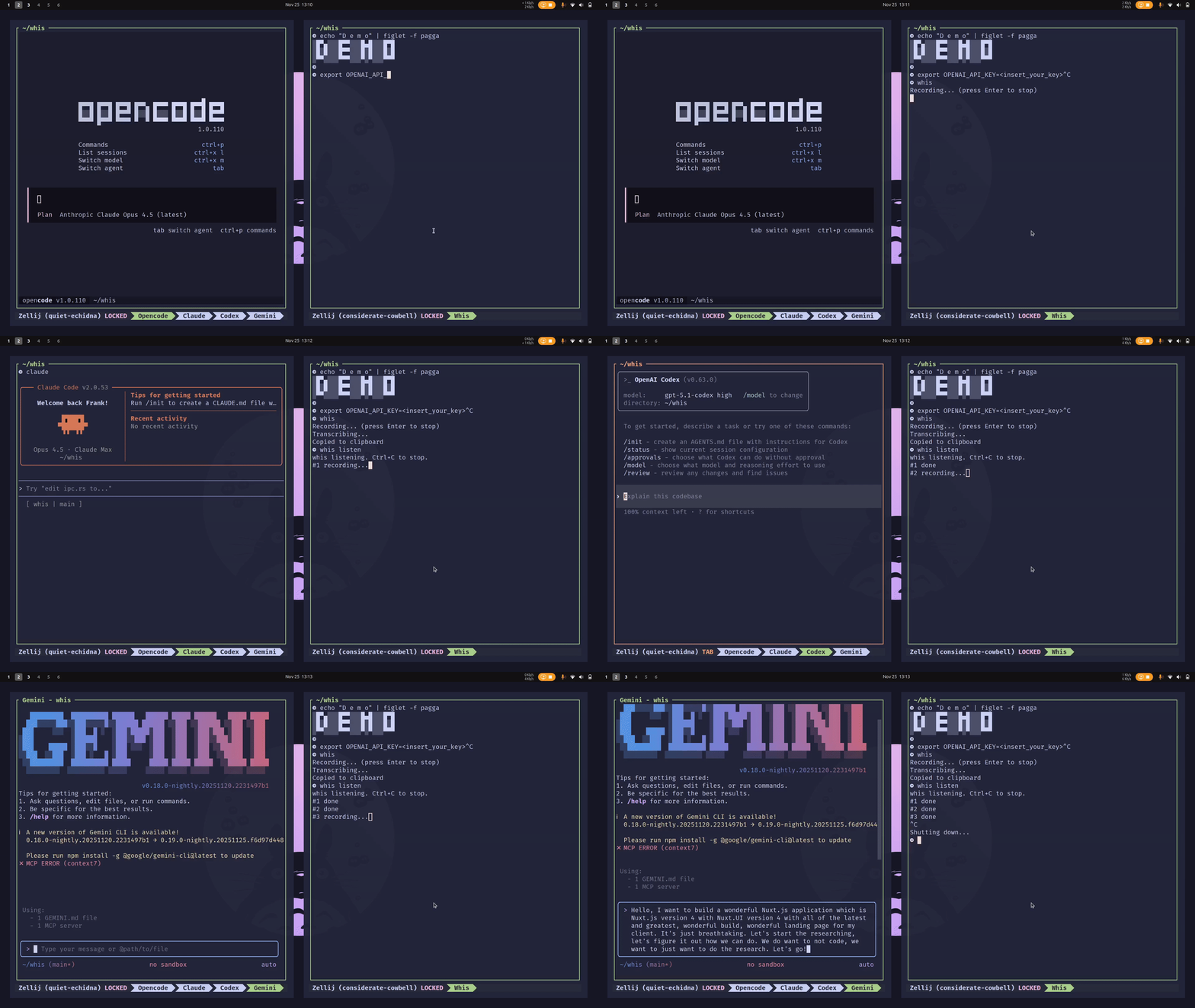
Voice-to-text for terminal workflows
What is whis?
A minimal CLI that pipes your voice straight to the clipboard.
- [*]One command Run whis. Speak. Done.
- [*]6 providers OpenAI, Groq, Deepgram, Mistral, ElevenLabs, or local whisper.cpp
- [*]Run locally Fully offline with whisper.cpp — private and free
- [*]AI post-processing Clean up filler words and grammar with LLMs
- [*]Presets ai-prompt, email, default — or create your own
- [*]Hotkey mode Ctrl+Alt+W toggles recording from anywhere
Quick Start
# Cloud setup (guided wizard)
whis setup cloud

# Or go fully local (private, free)
whis setup local

# Then just run:
whis
# Press Enter to stop — text is copied!

# Post-process your transcript with AI:
whis --post-process